Track your training
Record your sessions, your loads and your repetitions to see your progress day by day.
Plan your workouts, log every set in seconds and watch your progress add up.
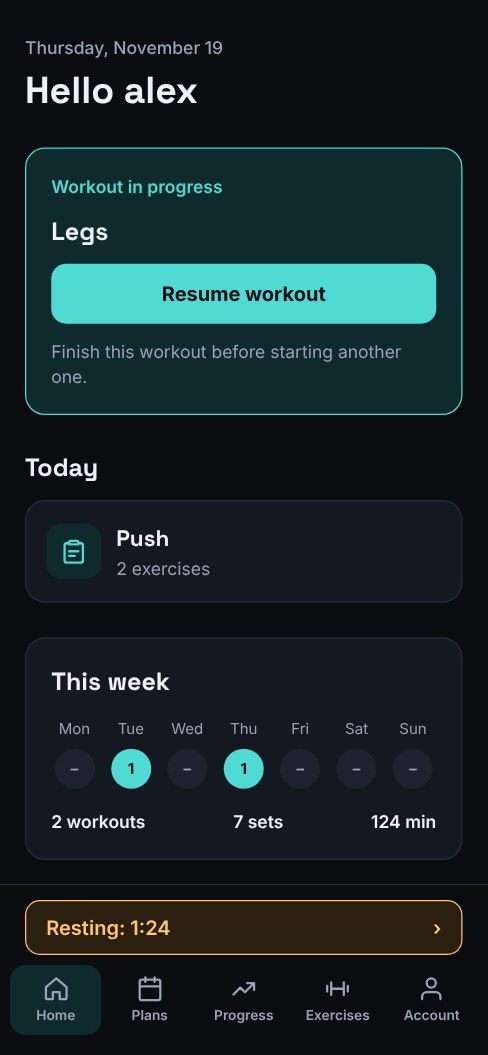
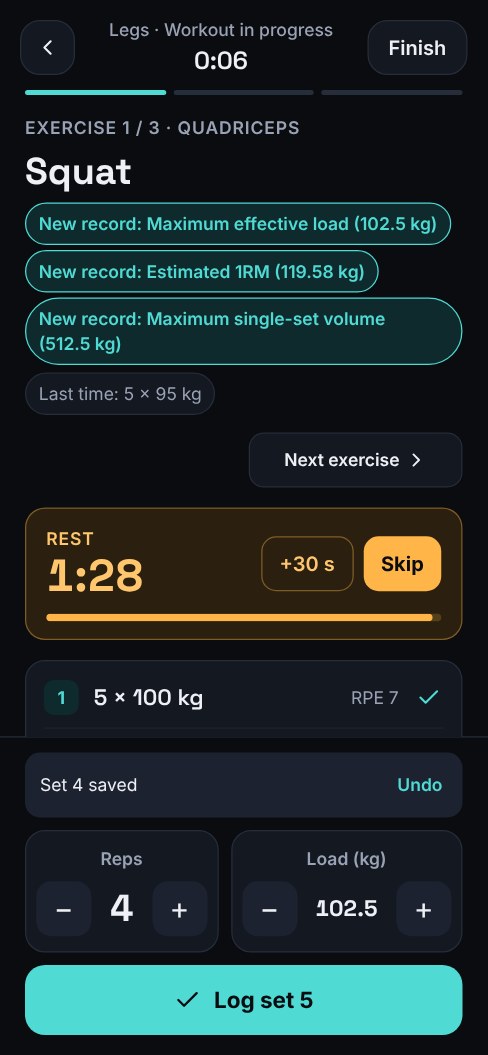
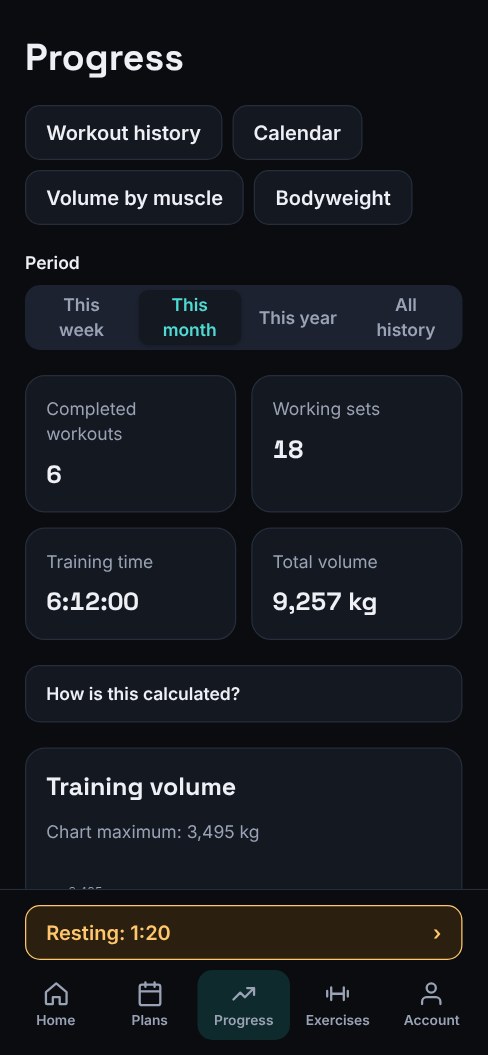
Create your workouts and put them on the days of the week.
Add your sets in an instant, the rest timer takes care of the rest.
Stats, volume and estimated 1RM to see where you stand.
Record your sessions, your loads and your repetitions to see your progress day by day.
Create your own exercises and set up your workouts with them.
Track your progress with graphs and calculations of your 1RM and training volume.
Suggest new features, vote on those of other users and participate in the evolution of TakeTheForce.
Tell us your goal, level, time and equipment and get a strength training program ready to follow.
Generate my programEnter a set, get your estimated 1RM and your working weights.
Open the full toolEnter a weight and a number of reps.
The development schedule is not fixed; priorities may be added based on user requests.
Sharing workouts, rankings, friends system, groups, achievements
Capture your performance or techniques directly from the application.
No app store needed: TakeTheForce installs from your browser and opens full screen, like an app.
Open TakeTheForce, tap the browser menu (the three dots), then “Install app” or “Add to Home screen”.
Open TakeTheForce, tap the Share button, then “Add to Home Screen”.
An Internet connection is required to save your workouts.